How to use
The content of some tiles can be changed via the Django admin. Once a user with
staff privileges is created, the Django admin can be accessed under /admin.
The appearance of these ModelAdmin classes can be changed under admin.py.
Advertisements
An advertisement consists of an image and an optional text. This way, one can put images of flyers, posters etc. into this tile to advertise for events of the local student union. Each ad has a start and end date to mark the duration in which the ad should be displayed.
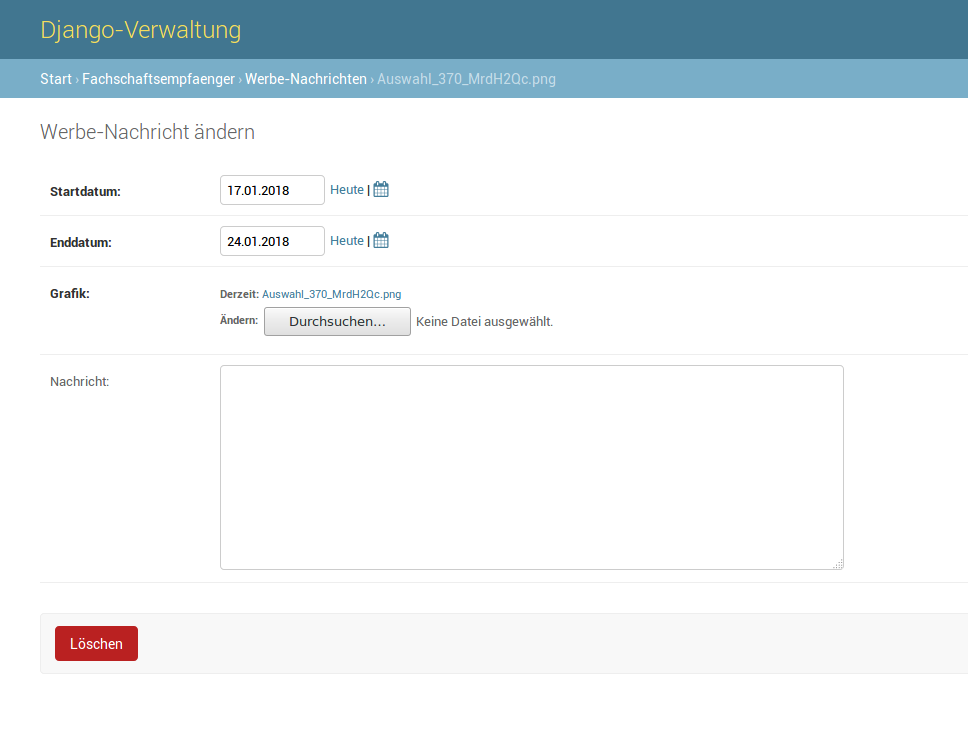
Once you upload a number of ad images, one will be chosen at random each time
the tile is reloaded. This behaviour can be changed by adjusting the QuerySet
inside the advertisement_tile view inside views.py:
qs = Advertisement.objects.filter(start_date__gte=timezone.now()).order_by('?').first()
Student Union Members
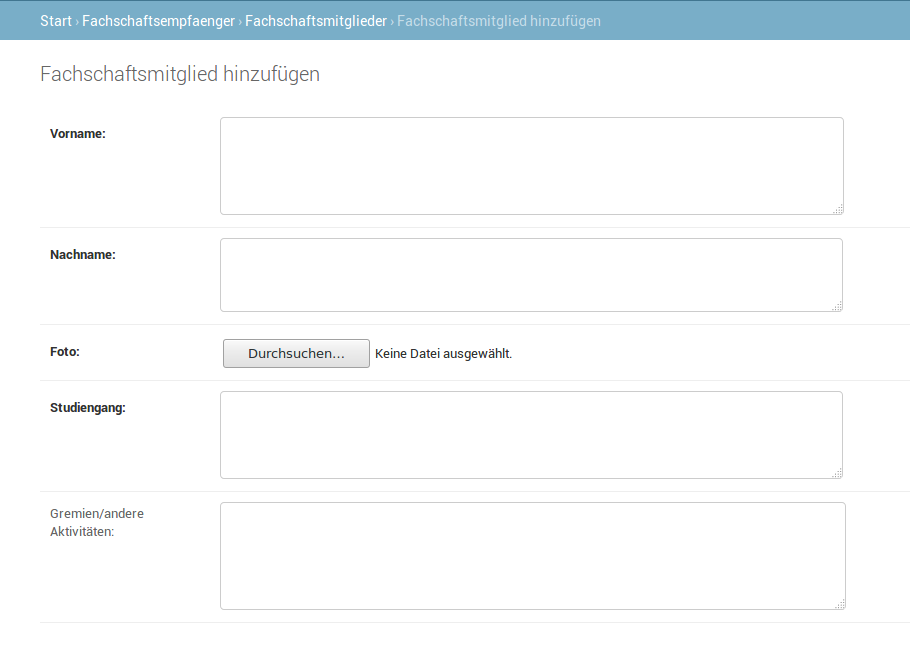
So students can get to know their student union members better, you can display members of the local student union with the following details:
first and last name
field of study
a profile picture (optional)
extracurricular activities (optional)
If no image is provided for the profile picture, a placeholder image is displayed instead. This image
can be changed by replacing the file no_pic.png within the uploads directory.
Food Truck / Catering
In case there is a form of local catering besides the mensa (i.e. a food truck), you can display the daily/weekly menu by entering the dishes and assigning them to a menu. A menu consists of a date and multiple menu items. A menu item consists of the name of the dish, the price and a boolean that indicates wether the dish is vegan or not.
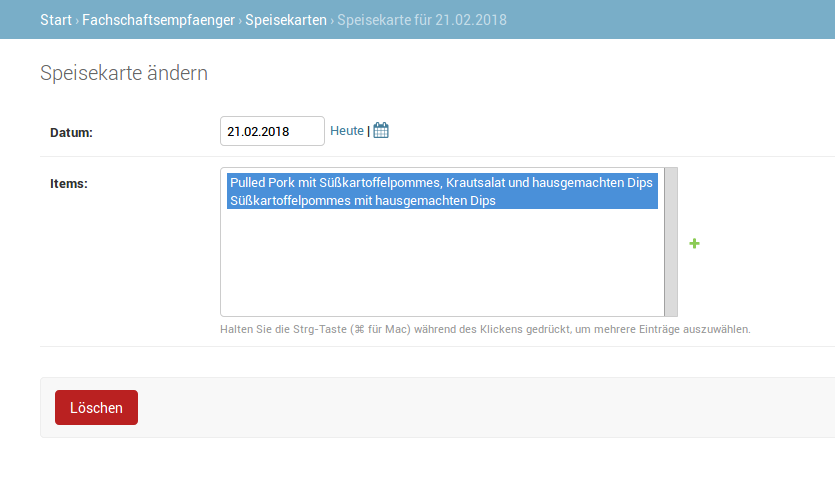
As a default, this tile displays one menu per week. This can be changed by altering
the QuerySet. It is located inside the foodtruck_tile view inside views.py:
menu_date = Menu.objects.get(date__gte=timezone.now(), date__lte=timezone.now() + datetime.timedelta(days=6)).date.strftime("%d.%m.%Y")
menu = Food.objects.filter(menu_item__date__gte=timezone.now(), menu_item__date__lte=timezone.now() + datetime.timedelta(days=6))
Here, menu_date returns the date to be displayed above the menu,
whereas menu is the menu itself. If you wanted to display the menu for the current day,
you could change the QuerySet to something like
menu = Food.objects.filter(menu__item__date=timezone.now().today())